vizion3d
Repository: https://github.com/OlafenwaMoses/vizion3D
vizion3d is an open-source Python library for 3D computer vision that gives ML/CV researchers a single, unified interface for running inference across the full spectrum of 3D vision tasks — from depth estimation and point cloud generation to NeRF reconstruction and pose estimation.
Every task is accessible through three consumption modes driven by one shared CQRS architecture:
| Mode | When to use |
|---|---|
| Direct Python import | Notebooks, research scripts, local prototyping |
| REST API | Web integrations, any-language clients |
| gRPC API | High-throughput, low-latency microservice pipelines |
Point-cloud inputs and outputs use OpenGL/viewer camera space throughout vizion3d:
X+ = right
Y+ = up
Z- = forward into the scene

Installation
Requires Python 3.12 (Open3D constraint).
PyTorch is not bundled in the base install — choose the extra that matches your hardware (see Hardware Acceleration). For CPU and Apple Silicon MPS, the extra installs PyTorch automatically. For NVIDIA CUDA and AMD ROCm, the matching PyTorch wheel must be installed first from PyTorch's own index — see the Hardware Acceleration page for pinned install commands.
pip
pip install "vizion3d[cpu]"
Poetry
poetry add "vizion3d[cpu]"
uv
uv python pin 3.12
uv add "vizion3d[cpu]"
Hardware acceleration
vizion3d detects the best available backend automatically at runtime — no code changes required. Supported backends are CPU, NVIDIA CUDA, Apple Silicon MPS, and AMD ROCm.
For per-backend prerequisites, install commands, and platform notes, see the Hardware Acceleration page.
Quick start — depth estimation
Get a depth map and point cloud from a single image in under 10 lines.
import open3d as o3d
from vizion3d.lifting import DepthEstimation, DepthEstimationCommand

result = DepthEstimation().run(
    DepthEstimationCommand(
        image_input="roomhd.jpg",
        return_point_cloud=True,
    )
)

print(f"Depth range : {result.min_depth:.4f} → {result.max_depth:.4f}")
print(f"Points      : {len(result.point_cloud.points)}")
print(f"Scale       : {result.point_cloud_scale} metre per unit")

o3d.io.write_point_cloud("roomhd_result.ply", result.point_cloud)
The generated point cloud uses OpenGL/viewer camera space: X+ right, Y+ up, Z- forward.
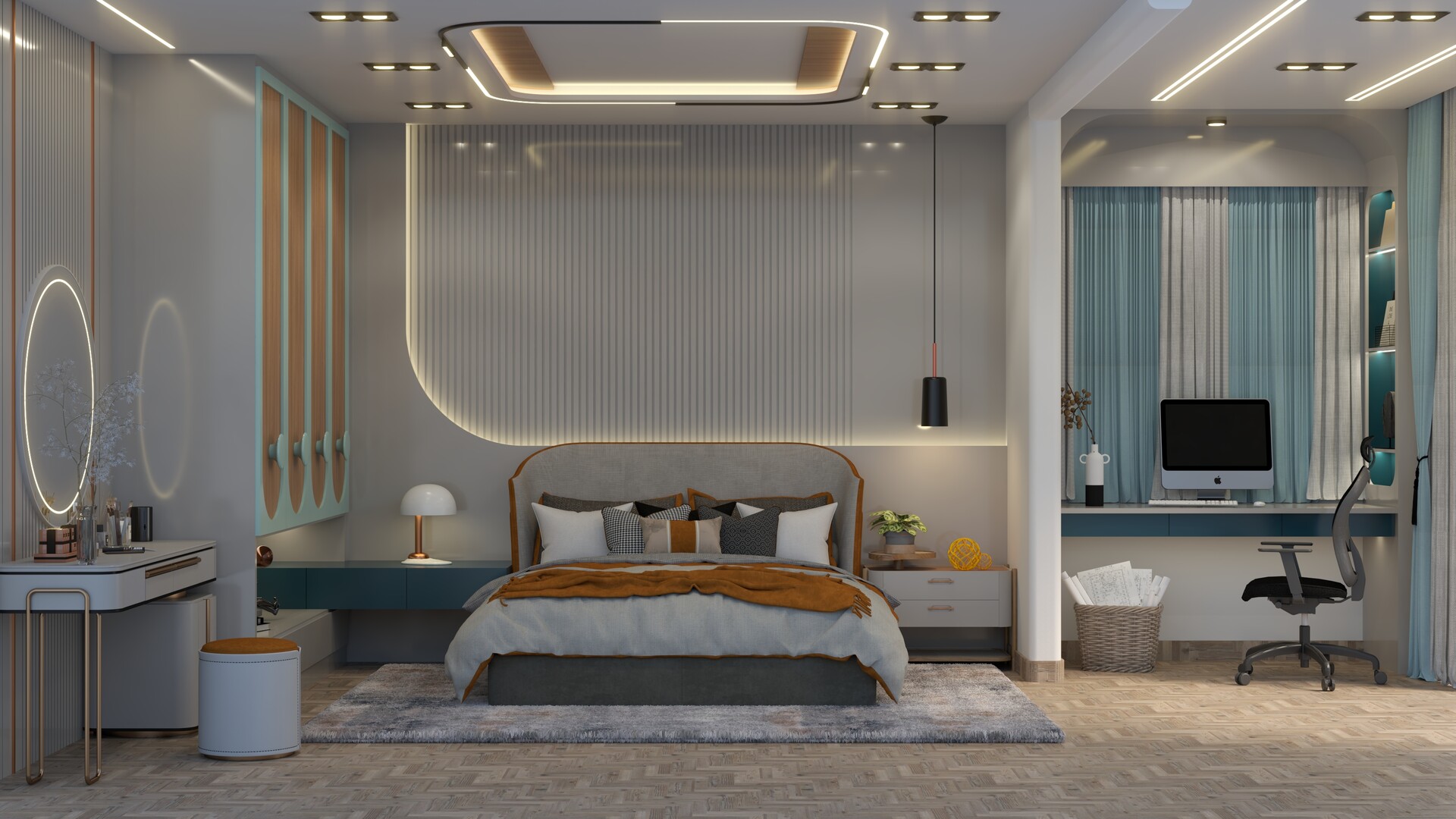
Output: roomhd.jpg and roomhd_result.ply
Starting the servers
pip / Poetry
# REST API (FastAPI, default port 8000)
vizion3d-serve-rest

# gRPC API (default port 50051)
vizion3d-serve-grpc
uv
# REST API (FastAPI, default port 8000)
uv run vizion3d-serve-rest

# gRPC API (default port 50051)
uv run vizion3d-serve-grpc
Architecture
vizion3d uses a CQRS pattern throughout:
- Commands carry inference parameters and trigger side-effecting handlers.
- Queries retrieve results or metadata without side effects.
- All handlers are registered through a
clean_ioccontainer — no direct handler instantiation anywhere in the public API.
Each task lives in its own module under vizion3d/<category>/ and exposes exactly commands.py, handlers.py, and models.py. Adding a new task means adding one module and one container registration — nothing else changes.
Tasks
Lifting (2D → 3D)
| Task | Status | Docs |
|---|---|---|
| Monocular depth estimation | Stable | Depth Estimation |
| Stereo depth estimation | Stable | Stereo Depth |
Annotation
| Task | Status | Docs |
|---|---|---|
| Object mask annotation 3D | Stable | Object Mask Annotation 3D |
| Scene mask annotation 3D | Stable | Scene Mask Annotation 3D |
Observation
| Task | Status | Docs |
|---|---|---|
| Scale Observation | Stable | Scale Observation |
Quick start — object mask annotation 3D
Detect and instance-segment objects in a scene, then get the exact 3D point cloud subset for each detected object.
import open3d as o3d
from vizion3d.annotation import ObjectMaskAnnotation3D, ObjectMaskAnnotation3DCommand

pcd = o3d.io.read_point_cloud("scene.ply")

result = ObjectMaskAnnotation3D().run(
    ObjectMaskAnnotation3DCommand(
        point_cloud=pcd,
        image_input="scene.jpg",   # optional — omit to synthesise from the cloud
        return_annotated_cloud=True,
    )
)

for ann in result.annotations:
    print(f"{ann.label:20s}  conf={ann.confidence:.2f}  3D points={len(ann.point_indices)}")

o3d.io.write_point_cloud("annotated.ply", result.annotated_cloud)
See Object Mask Annotation 3D for the full reference.